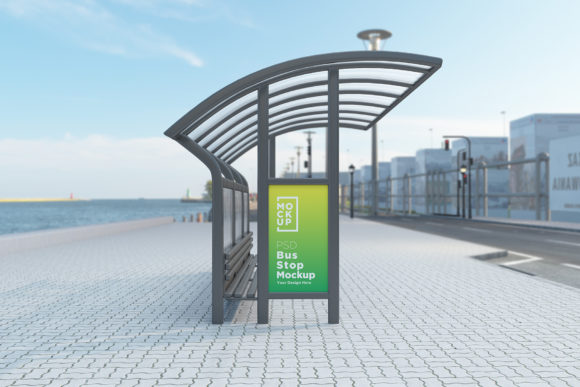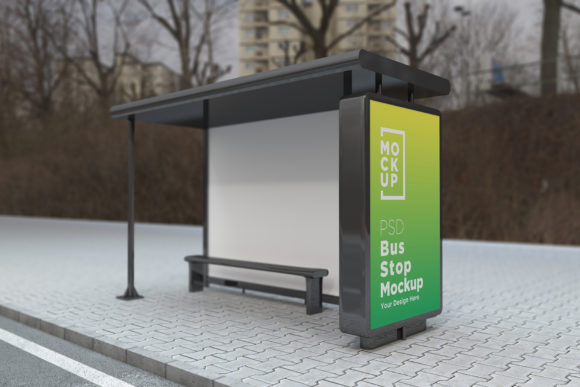
Bus Stop Shelter Signage Product Mockup: A Must-Have for Realistic Advertising Previews
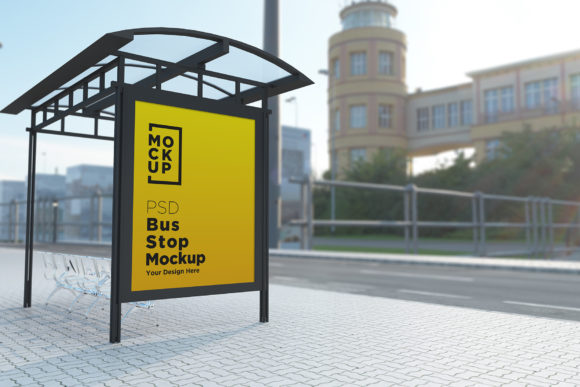
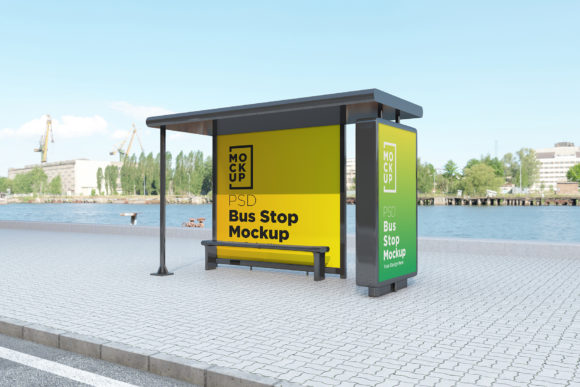
Whether you're a graphic designer, marketer, or small business owner, creating eye-catching advertisements is just the beginning. The real challenge lies in presenting them effectively to clients or stakeholders in a way that truly reflects how they'll look in the real world. That's where the Bus Stop Shelter Signage Product Mockup comes into play. This powerful tool allows you to showcase your designs in a 3D realistic setting—without ever stepping foot near an actual bus stop.
Real-World Use Cases for Bus Stop Advertising Mockups
Imagine you've designed a new promotional poster for a local restaurant. Your client wants to know exactly how it will appear on a bus shelter board before investing in physical printing and installation. With the Bus Stop Shelter Signage Product Mockup, you can quickly place your design into a high-quality, photorealistic environment and send it off for review.
Or consider this scenario: You’re working with a city transportation department planning a public awareness campaign about road safety. They need visuals of their message displayed at various bus stops across the city. Instead of scouting locations and taking photos—which could take days—you can generate multiple mockups instantly using different backgrounds like subways, parks, and urban streets.
Even if you're not in advertising, these mockups can be incredibly useful. Urban planners might use them to visualize new transit branding ideas, while product designers can test how their posters would fit within a broader cityscape. The applications are vast, and the benefits clear.
Who Can Benefit from Using These Mockups?
- Graphic Designers: Presenting your work in context helps clients understand its impact better. Whether you're designing for retail, travel, or events, having a realistic backdrop makes all the difference.
- Marketing Agencies: Quick turnaround times are crucial when pitching campaigns. These mockups allow you to show your banners in lifelike environments, giving your proposals more credibility and visual appeal.
- Small Businesses: If you're looking to advertise locally but don’t have the budget for professional photography, this mockup is a cost-effective solution. It helps you create compelling visuals for your next bus shelter ad without breaking the bank.
- Freelancers and Startups: As someone just starting out, resources are limited. Having access to a top-quality mockup means you can deliver professional results even with a modest setup.
Why Choose a 3D Realistic Rendering?
Traditional flat mockups often fail to capture the true essence of how a design looks in a real-world setting. Lighting, texture, shadows, and perspective can drastically change the perception of your artwork. By using a Bus Stop Advertising Billboard Mockup that’s rendered in 3D with V-Ray technology, you get a level of realism that static images simply can't match.
For instance, when you're designing a travel poster for a local tour company, placing it in a busy street-side bus shelter versus a quiet park setting tells two very different stories. The right environment can highlight the vibrancy of the scene, the size of the signage, and even how pedestrians might interact with it. These details matter when trying to sell a vision.
How Easy Is It to Use?
One of the standout features of the Bus Stop Shelter Signage Product Mockup is its user-friendly nature. Designed as a fully layered PSD file, it works seamlessly in Adobe Photoshop (minimum version CS6). Even if you're not a seasoned designer, you’ll find it easy to navigate thanks to the organized layers and folders included.
The smart object functionality means you can drop your own design into the mockup with a few clicks and see it come to life. No need to adjust individual elements manually. Plus, the help file provided walks you through each step, making the process smooth and efficient. For example, you can replace the placeholder image in seconds and export the final result in JPEG format for sharing or presentations.
Customization and Flexibility
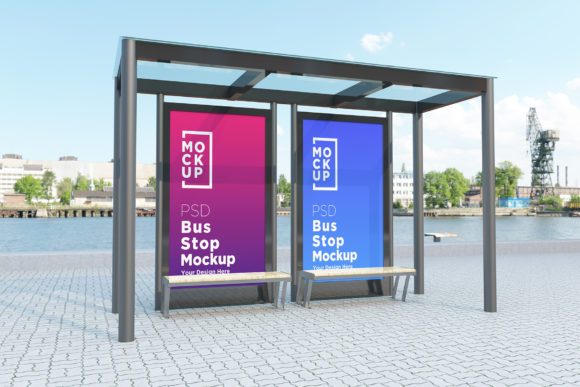
This mockup isn’t one-size-fits-all. Its flexibility is what makes it so valuable. Let’s say you want to test different versions of a banner for a music festival. One design has bold colors and neon text, another is minimalist with black and white imagery. Placing both into the same bus stop environment lets you compare how each performs visually and which one resonates more with your target audience.
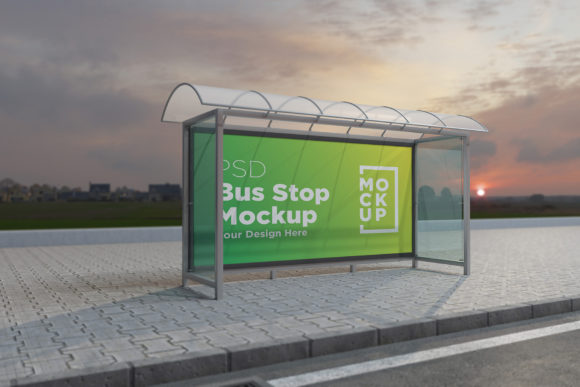
You can also experiment with lighting effects or time-of-day settings. Would your design stand out more during morning rush hour or at night? Try both in the mockup and make data-driven decisions. This kind of adaptability is essential in today’s fast-paced creative industry.
Key Considerations Before Using the Mockup
Before jumping into the mockup, there are a few things to keep in mind. First, ensure your design matches the dimensions required by the template. While the mockup is built to accommodate most standard sizes, it’s always best to check the specifications to avoid stretching or distortion.
Also, think about the message you want to convey. A bright, animated design may not read well in a shaded corner of a bus shelter. Conversely, a muted tone might lose its impact under harsh sunlight. Testing your ads in varied environments helps you fine-tune the messaging and visuals accordingly.
Another important point is resolution. The mockup provides a 5000 x 3000 pixel canvas at 72 Dpi, which is ideal for digital presentations. If you plan to print the final output for client approval, confirm whether the DPI is sufficient for the intended purpose. In most cases, the quality is more than enough for reviewing and sharing concepts online.
Industries That Can Leverage This Tool
While the primary use case is for advertising agencies and designers, several other industries can benefit from this resource:
- Retail and E-commerce: Preview how seasonal sales or store promotions would appear on outdoor displays.
- Entertainment and Events: Showcase concert posters, movie trailers, or event flyers in a public space to gauge visibility and effectiveness.
- Education and Nonprofits: Create engaging visuals for awareness campaigns and present them in a relatable setting.
- Urban Development and Architecture: Visualize proposed changes to public spaces using mockups that include signage and billboards.
Strengths and Limitations
The Bus Stop Shelter Signage Product Mockup shines in its ability to simulate real-life conditions without the hassle of on-site photography. It saves time, reduces costs, and improves communication between designers and clients. The inclusion of a help file ensures that users of all skill levels can make the most of the product without unnecessary frustration.
However, it’s worth noting that while the mockup is highly realistic, it still can't completely replicate the unpredictability of real-world installations. Factors like weather conditions, dirt, or glare from the sun aren’t accounted for in the rendering. Still, for most purposes—especially initial presentations and feedback—it’s more than adequate.
Creating Multiple Environments Without Leaving Your Desk
What sets this mockup apart is the variety of environments it offers. From bustling urban streets to serene suburban parks, you can create different scenarios to test how your design functions in various contexts. This is especially helpful when targeting specific demographics or geographic areas.
For example, if you're promoting a children’s toy store, placing the ad in a family-friendly park setting might resonate more with parents. Alternatively, a downtown subway entrance could be perfect for reaching young professionals. Being able to visualize these differences in a controlled digital space is a huge advantage.
Maximizing Value for Your Clients
When you're pitching a project, visuals speak louder than words. By using the Bus Stop Advertising Billboard Mockups, you give your clients a tangible sense of how their brand will be represented in the real world. This builds trust and confidence, increasing the chances of approval and moving forward with production.
Moreover, being able to offer multiple mockups quickly allows you to explore different creative directions and finalize the best option based on feedback. This iterative process leads to stronger outcomes and satisfied customers who appreciate the extra effort and attention to detail.
Getting Support When You Need It
Every creator hits a snag now and then. That’s why the pack includes a detailed help file to guide you through common issues and usage tips. If you run into something tricky or need further assistance, you can reach out via the profile page or email. The support team is dedicated to helping you get the most out of the mockup, ensuring your workflow remains smooth and productive.
So whether you're a solo designer or part of a larger agency, knowing you have reliable support adds peace of mind. You can focus on creating stunning visuals while leaving the technical challenges to the experts.
Putting It All Together
In practical terms, the Bus Stop Shelter Signage Product Mockup is more than just a visual aid—it's a strategic tool. It enables you to communicate your ideas clearly, test different designs efficiently, and meet client expectations with professionalism. And because it’s built with real background textures and lighting, your mockups feel authentic and convincing.
From marketing teams launching new campaigns to architects envisioning future developments, this mockup caters to a wide range of needs. Its versatility, ease of use, and realistic output make it an essential addition to any creative toolkit.